Skip to content
24working components

UI worth shipping.Made to be yours.

Glass, metal, and playful little components from my workbench. Take what you like, make it yours, and ship it.

Glass

Light, depth, and a little frost

Liquid metal

Chrome that moves with the light

Thinking orbs

A little motion for a train of thought

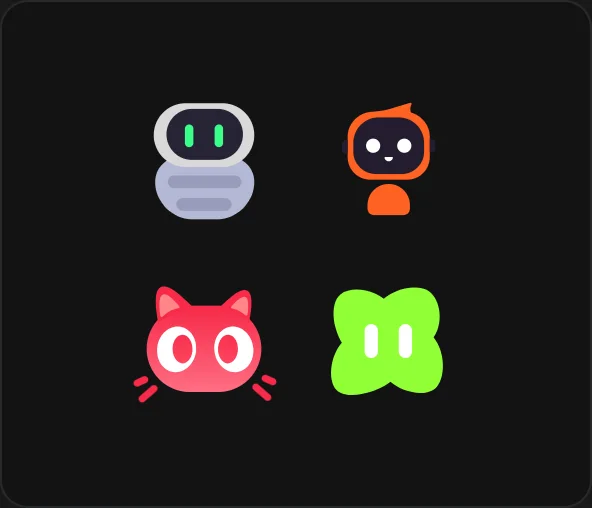
AI agents

Four characters, ready to join your team

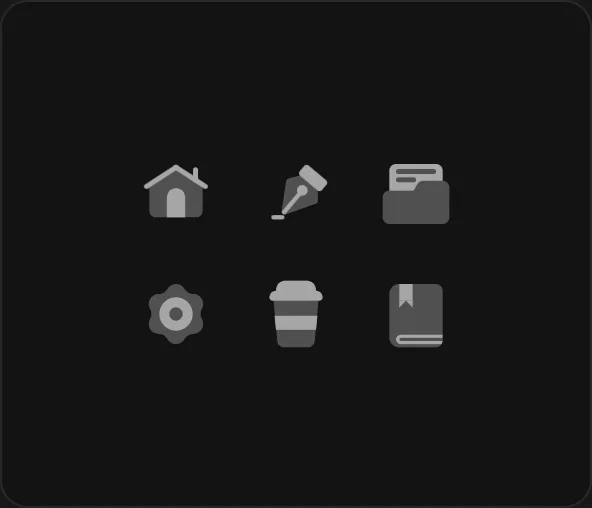
Mono icons

21 little shapes, ready to use

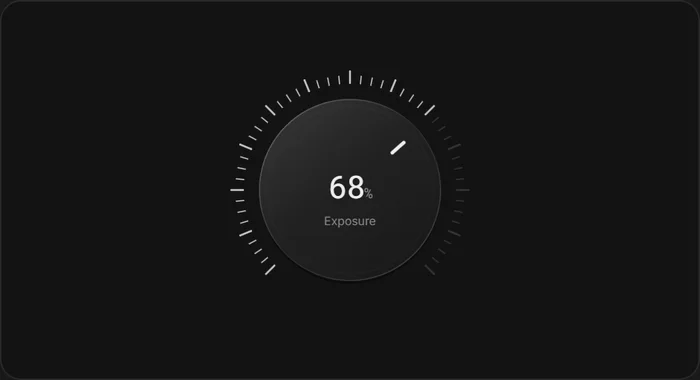
Precision dial

Small adjustments, exact values

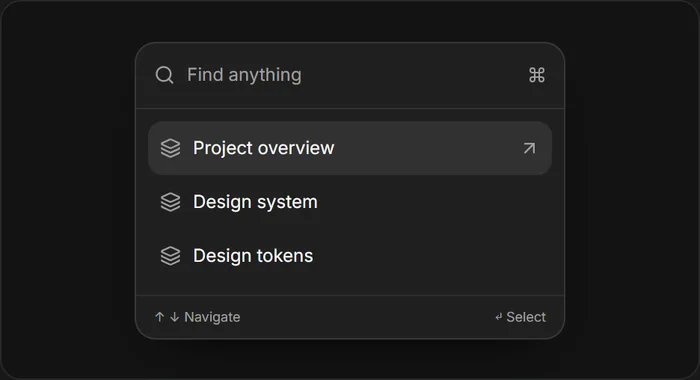
Command palette

Find your next action

Find a component.
Make it your own.

Explore, copy, and customize. A working starting point for your next interface.

  1. 1

    Find your component

    Explore the collection and try a working preview.

  2. 2

    Copy it into your project

    Use the Install tab or copy a prompt for your coding agent.

  3. 3

    Make it yours

    Tune a material in Studio and export your exact settings.
How to use

FAQs

Yes. Every collection preview and all Studio editors are available without an account or payment.

The components use React 19 and Tailwind CSS 4. Open a component’s Install tab for its actual dependencies and source files. Some materials also use Paper Shaders. Mono icons is also available as plain SVGs without a framework.

AI Chat has a shadcn registry command. The other components currently use source files from this project. Their Install tabs list what to copy; they are not separate npm packages. Mono icons also offers individual SVG downloads.

Studio holds the material editors. Change a preset, adjust the controls, and copy the code generated from your settings. Studio is open to everyone.

Use Copy prompt on a component page to copy its setup requirements and usage example into your coding agent. For source-copy components, give the agent access to this project’s files.